Wine Inventory App Guide: Track and Organize Your Bottles

By the Sommy Team — AI-assisted, human-edited.
Updated Oct 1, 2026
Contents (9)
- What Does a Wine Inventory App Do, in One Paragraph?
- Do You Actually Need a Wine Inventory App?
- App, Spreadsheet or Notebook: Which Fits Your Collection?
- What Should You Record for Each Bottle?
- What Features Matter in a Wine Inventory App?
- How Should You Organize the Bottles Themselves?
- What Storage Conditions Should Your Tracker Assume?
- What Is a Drinking Window, and How Far Can You Trust It?
- How Do You Start Tracking the Bottles You Already Own?
TL;DR
In one study, 90% of buyers opened a bottle within one to two weeks, so tracking matters only for wine you hold. Use a notebook under a dozen bottles, a spreadsheet or free app tier to about a hundred, and record seven fields, including a location code and an estimated drinking window.
A wine inventory app solves a problem most buyers never have: in one study, 90% of people opened a bottle within one to two weeks of buying it. Tracking matters only for the bottles you hold. Those bottles need seven fields, an address on a shelf and a date range for opening them. With that much written down, nothing gets lost behind the newer bottles.
What Does a Wine Inventory App Do, in One Paragraph?
A wine inventory app is a list of the bottles you own, where each one sits and when to drink it. Most apps add label scanning, import from an old list, and alerts when a bottle's drinking window (the span of years when it should taste its best) opens or closes. A spreadsheet does the same job by hand for up to about a hundred bottles. A notebook covers anything under a dozen. Whatever the tool, record seven fields per wine and give each storage slot a short code. Sort by window end date once a month, and open the bottle at the top.
Do You Actually Need a Wine Inventory App?
Only if you keep bottles longer than a couple of weeks. A Sonoma State University survey of 1,194 US consumers, reported by Master of Wine Liz Thach, found that 90% open and drink a bottle within one to two weeks of buying it. A bottle that lives on the counter for five days needs no record.
The much-repeated claim that 98% of Americans open a bottle within 24 hours of buying it comes with no named source. The same survey put that figure at 20%.
The tracker earns its place once bottles start to wait: a case bought on offer, gifts, wines meant for aging. Those are the bottles that get forgotten behind newer ones. The reasons to hold wine at all are set out in how to build a wine collection.
App, Spreadsheet or Notebook: Which Fits Your Collection?
Pick by bottle count. A notebook works under about a dozen bottles. A spreadsheet or a free app tier covers up to about a hundred. A dedicated app pays off beyond that, or as soon as bottles sit in two places, such as a closet and a wine fridge. These cut-offs are Sommy's rule of thumb.
| Tool | Effort to set up | Cost | Drink-window alerts | Several storage spots | Choose it if |
|---|---|---|---|---|---|
| Notebook or phone note | Minutes | Free | No, check by eye | Awkward | You hold under about 12 bottles in one place |
| Spreadsheet | An evening | Free | No, sort by end year monthly | Yes, with a location column | You hold 12 to 100 bottles and like control over columns |
| Dedicated cellar app | An evening, faster with a label scan | Free tier, paid upgrades | Usually, automatic | Yes, built in | You hold 100+ bottles, or keep them in two places |
If you buy a case at a time, start with a spreadsheet even below a dozen bottles, because one row with a quantity of six beats six lines in a notebook.
What Should You Record for Each Bottle?
Seven fields cover nearly every decision: wine, vintage, location, quantity, price paid, drinking window and a note after opening. Anything more is optional. Extra columns such as score, merchant or food match are usually what make people stop updating the list after a month.
- Wine: grape or style, place and producer, as written on the label.
- Vintage: the harvest year. Two vintages of one wine get two rows, because they age differently.
- Location: the slot code from your rack (set up in the organizing section below).
- Quantity: how many are left. Change it the moment a bottle leaves.
- Price paid: this tells you which bottles were worth buying again, and it helps with insurance.
- Drinking window: two years, start and end, such as 2027 to 2031.
- Note after opening: three words on how it tasted and whether it was ready, young or fading.
The last field is the one that pays back. If the first bottle from a case of six tastes fading, move the other five to the top of the list. If it tastes tight and young, push the window start back a year. Reading labels for grape, place and vintage gets faster with practice; how to read a wine label covers it.
What Features Matter in a Wine Inventory App?
Five features matter: label scanning, import, export, drink-window alerts and support for several storage locations. Everything else, from ratings to social feeds, is a bonus. Check these five on the store listing before you download anything, because free tiers often hold one of them back.
- Label scanning fills the wine and vintage fields from a photo, which cuts setup time for large collections.
- Import moves an existing list in. At least one dedicated app states it can import from CellarTracker, Vivino or a spreadsheet.
- Export lets you leave. A CSV file opens in any spreadsheet.
- Drink-window alerts tell you when a window opens or is about to close.
- Locations let you name racks, shelves, rows and slots, and more than one storage spot.
If an app cannot export your list to a spreadsheet file, do not type a hundred bottles into it. Your records outlive any one app. Many dedicated cellar apps run on a free tier with paid upgrades, and prices change, so test the free version with twenty bottles first.
Cellar apps are a different tool from learning apps. Our comparison of the best wine education apps sorts apps by goal, from label scanning to tasting practice.
How Should You Organize the Bottles Themselves?
Sort bottles by when to drink them first, then give each slot an address the tracker can point to. Cellar guides describe four common systems: by region, by drinking window, by style, or by producer. For a small home collection, sorting by window is the system that stops bottles from being forgotten at the back.
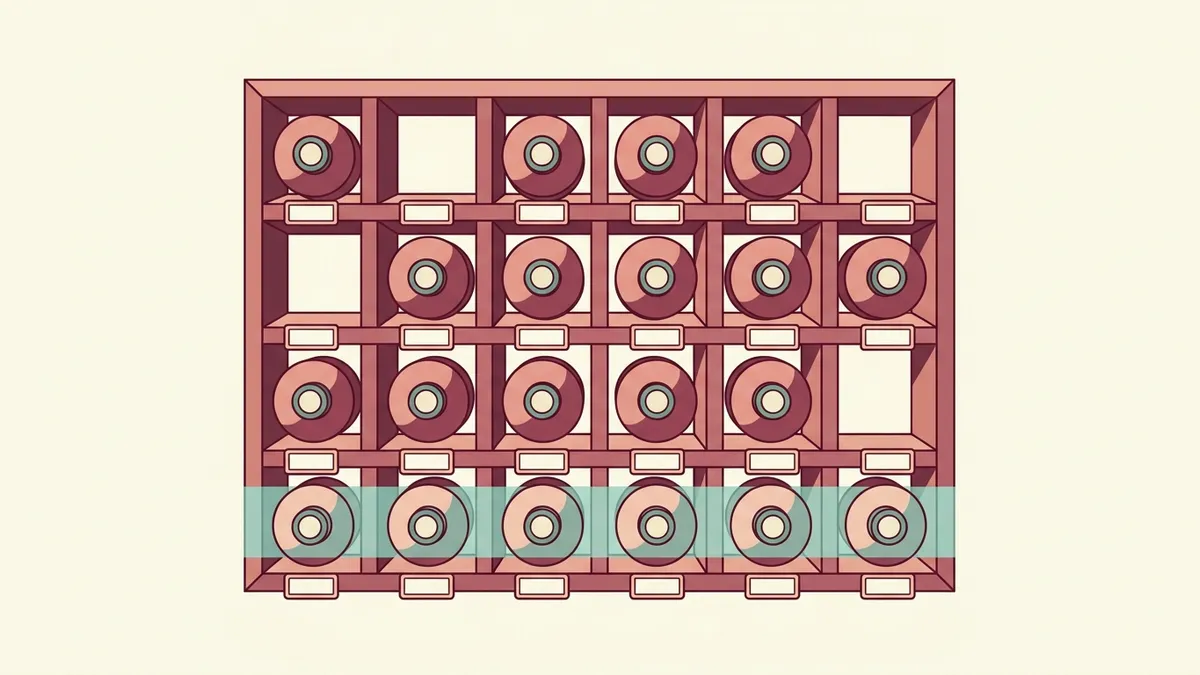
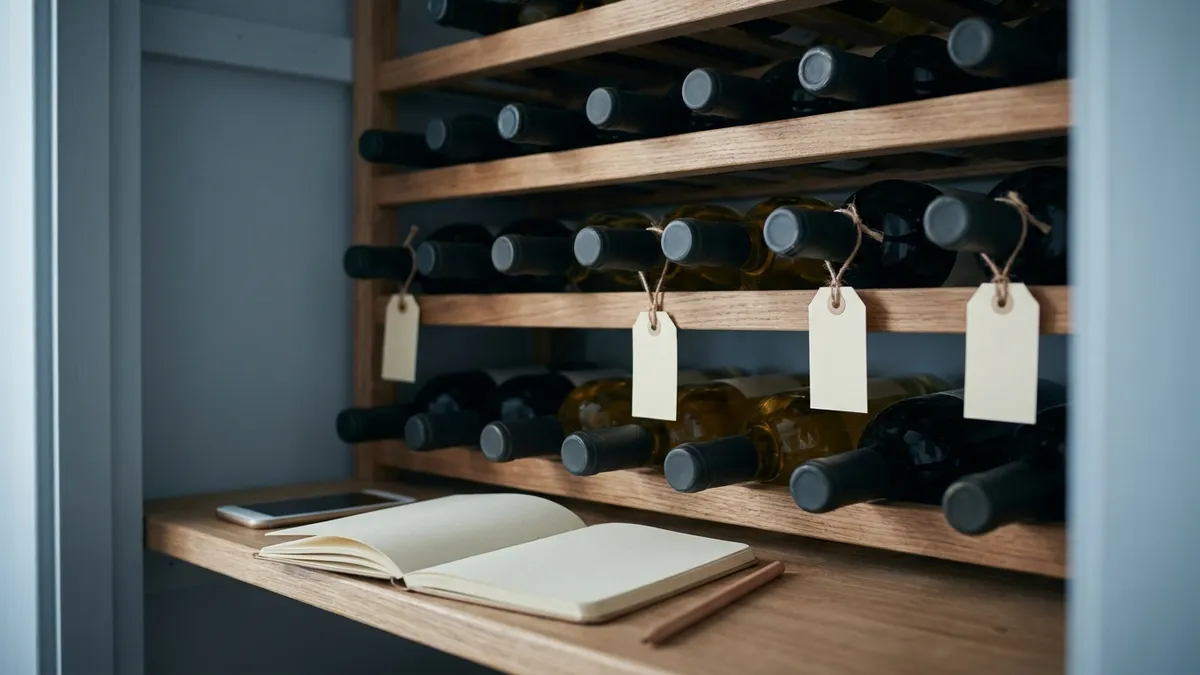
Give each spot a location code: a short address made of rack, shelf, row and slot, such as A-2-4. Tag the rack edge so the address stays put when bottles move. The tracker then says "A-2-4" and the bottle is there.
Make one row the drink-first row, at eye height or nearest the door. If a bottle's window opens this year or ends next year, it goes in that row. Everything else sits further back, grouped however you like. Corks lie flat and screw caps can stand; the wine rack guide covers rack types and spacing.
What Storage Conditions Should Your Tracker Assume?
Assume about 13 °C, steady, dark and still. Published drinking windows are written for cellar conditions like those, so a home that runs warmer needs shorter windows, and the tracker should say so. Heat, light, vibration and swings in temperature or humidity can spoil any wine.
| Condition | Target | Still acceptable | If yours is outside it |
|---|---|---|---|
| Temperature | About 13 °C (55 °F); some merchants say 12 to 14 °C | 7 to 18 °C (45 to 64 °F) if changes are gradual | Above 16 °C most of the year: pull window end dates forward |
| Temperature swings | As few as possible | Slow seasonal drift | Daily swings: move the bottles to an inside wall or closet |
| Humidity | 60 to 80% (sources differ; some say above 75%) | Lower is fine for screw caps and short holds | Very dry air: drink cork-sealed bottles within a few years |
| Light and vibration | Dark and still | Brief light when you open the door | Near a window or appliance: move them |
Gradual change matters less than sudden change. One French merchant states that seasonal drift poses no risk, while a cellar that sits constantly above 16 °C makes wine develop fairly quickly. Relative humidity (how much water the air holds, compared with the most it can hold) matters because very dry air can dry corks early. Sources disagree on the exact number, so the table gives the range. The fuller numbers are in wine cellar temperature and humidity.
If your spot sits above 16 °C most of the year, pull each window end date forward and open those bottles first.
What Is a Drinking Window, and How Far Can You Trust It?
A drinking window is the span of years when a wine should taste its best, and it is an estimate, not a deadline. Critics, communities of drinkers and app algorithms all publish windows for the same wine. They can disagree by several years, and none of them knows how your bottle was kept.
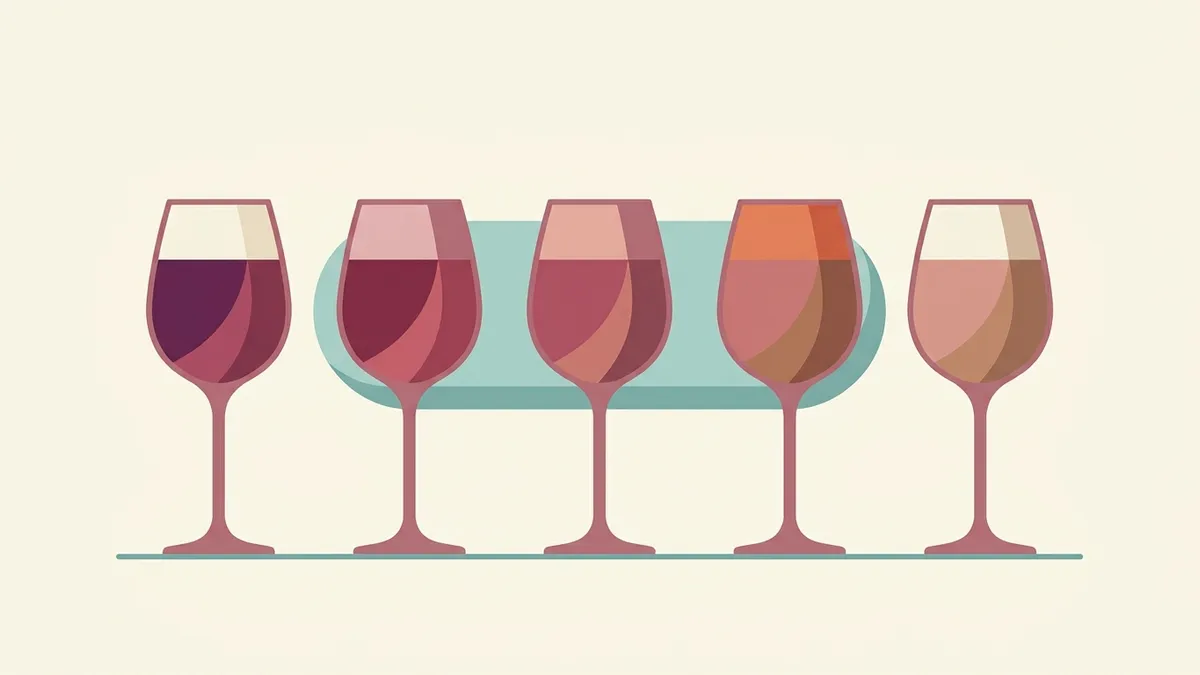
A window guesses how long a wine's structure will hold its fruit. Wines with plenty of acidity (the tartness that makes your mouth water) or tannin (the drying grip on your gums) tend to get longer windows. Light, fruity whites and most rosés get short ones, often a year or two. The signs of age in colour and smell are covered in the wine aging guide.
If two sources disagree, use the earlier end date. Opening a bottle a year early costs a little development. Opening it two years late can cost the bottle. Your own note after opening (field seven) beats any published window for the rest of the case.
How Do You Start Tracking the Bottles You Already Own?
Count what you own, give each bottle an address, and enter only the ones you plan to keep longer than a month. A first session for thirty bottles takes about an evening. Start with a spreadsheet if you are unsure; it can move into an app later as a CSV file.
- Pull all your bottles out and stand the ones you will drink this month by the kitchen. They need no record.
- Tag your racks and shelves with location codes.
- Enter the rest, one row per wine and vintage, with quantity.
- Look up a drinking window for each wine you hold. Where you find none, write a short one for everyday wine.
- Fill the drink-first row from the list.
The record gets more useful each time a bottle is opened and the note field gets filled. The serving and storage hub collects the rest of the storage guides.
Sommy at sommy.wine also has bite-sized courses, from Wine 101 to regional courses on Spain, Italy, France and California. Tonight, put the five bottles you would open first into one row, then pour the one at the top.
Sources
- Wikipedia: Wine cellar (storage temperature, humidity and spoilage factors)
- Liz Thach MW: Do 98% of Americans really open a bottle of wine within 24 hours of purchase?
- iDealwine: What is the perfect cellar temperature to store wine?
- Wine Guardian: Wine storage temperature and humidity
- InVintory: How to organize a wine cellar
Frequently Asked Questions
What is the best app to track a wine collection?
The best one is the one you will keep updated, and it should do five things: scan labels, import an existing list, export to a spreadsheet file, warn you when a drinking window opens or closes, and handle more than one storage spot. Several dedicated cellar apps offer a free tier with paid upgrades, so try the free version on twenty bottles before you pay.
Is there a free wine inventory app?
Yes. Several dedicated cellar apps run on a free tier with in-app purchases for extras, and features and prices change often, so check the current store listing. A free spreadsheet also works well for up to about a hundred bottles. Its main gaps are label scanning and automatic alerts, which you can replace by sorting on the window end date once a month.
Can I use a spreadsheet to track wine?
Yes, and for up to about a hundred bottles in one place it is often the better choice. Make one row per wine and seven columns: wine, vintage, location, quantity, price paid, drinking window and notes. Sort by the window's end year to see what to open next. Save it as a CSV file so it can move into an app later.
What is a drinking window in wine?
A drinking window is the span of years when a wine is expected to taste its best, written as two years such as 2027 to 2032. It is an estimate made by a critic, a community of drinkers or an app's algorithm, and it assumes cool, steady storage. A bottle kept warm usually reaches the end of its window sooner.
How do I label bottle locations in a wine rack?
Give each rack a letter, each row a number and each slot a number, then write the result as a short code such as A-3-2. Put a small tag on the rack edge, not on the bottle, so the address stays when the bottle moves. Record the code in your tracker, and update it the moment you move a bottle.
Can I import my collection from CellarTracker or Vivino?
Some dedicated cellar apps state that they can import a collection from CellarTracker, Vivino or a spreadsheet, though import options change between versions. Before you type in a large list, check that the app can export your data again. A spreadsheet saved as a CSV file is the easiest format to move between tools.
Sommy Team
LinkedInFounder & Wine Educator
The Sommy Team is building the world's most approachable wine education app, helping beginners develop real tasting skills through structured courses and AI-guided practice.