Best Wine Apps by Job: Scan, Track, Note, Learn or Pair

By the Sommy Team — AI-assisted, human-edited.
Updated Nov 10, 2026
Contents (9)
- Best Wine Apps, in One Paragraph
- Which Wine App Fits Your Job?
- What Is the Best App to Identify a Bottle From Its Label?
- Which App Is Best for Tracking a Wine Cellar?
- Which App Is Best for Tasting Notes?
- Where Do Wine Learning Apps Fit?
- Can an App Suggest Wine for Your Dinner?
- Are Wine Apps Really Free?
- How Far Can You Trust App Ratings and Scans?
TL;DR
Pick a wine app by the job. Vivino scans a label and shows other drinkers' ratings. CellarTracker and VinoCell track bottles you keep, with CellarTracker priced by cellar size. Pocket Sommelier suggests wine from a photo of your meal. Learning apps teach. Most are free to download with paid extras.
The best wine apps each do one job well. A scanner names a bottle, a cellar app tracks the bottles you own, a journal keeps notes, a course teaches, and a pairing app picks for a dish. No single app wins all five, so the job decides the app.
Best Wine Apps, in One Paragraph
To identify a bottle from its label, use Vivino, which shows ratings from other drinkers. To track bottles you keep, use CellarTracker or VinoCell. CellarTracker is free to download and sells tiers by cellar size, from $4.99 for up to 100 bottles; VinoCell is paid upfront. For tasting notes, any of these apps holds a journal, but a guided format makes notes that compare. To pick a wine for dinner, Pocket Sommelier works from a photo of the meal. To learn wine, use an app with a course path. Most of these apps are free to download and sell upgrades inside the app.
Which Wine App Fits Your Job?
Name the job first: identify a bottle, track a cellar, keep tasting notes, learn, or pair with food. Then read across. If the job is choosing a bottle with no phone at all, how to choose wine covers that instead.
| Job | Pick this if | What to look for | Example apps, as listed |
|---|---|---|---|
| Identify a bottle | You are holding a bottle in a shop or at a table and want to know what it is | A fast label scan and a clear note of who made the rating | Vivino: free with in-app purchases, App Store and Google Play. Pocket Sommelier: bottle scans |
| Track a cellar | You keep bottles for months or years, or in more than one place | A location for each bottle, drinking windows, an easy way to add bottles | CellarTracker: free download, tiers from $4.99 (US), App Store and Google Play. VinoCell: £9.99 upfront (UK), iPhone and iPad |
| Keep tasting notes | You want to remember what you drank and why you liked it | The same fields for every note, and search by grape or region | Vivino journal, CellarTracker notes and ratings, VinoCell notes, Sommy guided tasting (iPhone) |
| Learn wine | You want to understand grapes, regions and tasting | A course path and practice with a real glass | See our learning apps comparison; Sommy (iPhone) |
| Pair with food | Dinner is decided and the wine is not | Works from a photo or a menu, and gives a reason for the pick | Pocket Sommelier: free with in-app purchases, App Store |
What Is the Best App to Identify a Bottle From Its Label?
Vivino is the most direct label scanner: point the camera at a label and it returns the wine with other drinkers' ratings. The same app keeps a tasting journal, tracks a cellar and sells wine through merchants listed in the app. It has run since 2010 and is on both the App Store and Google Play.
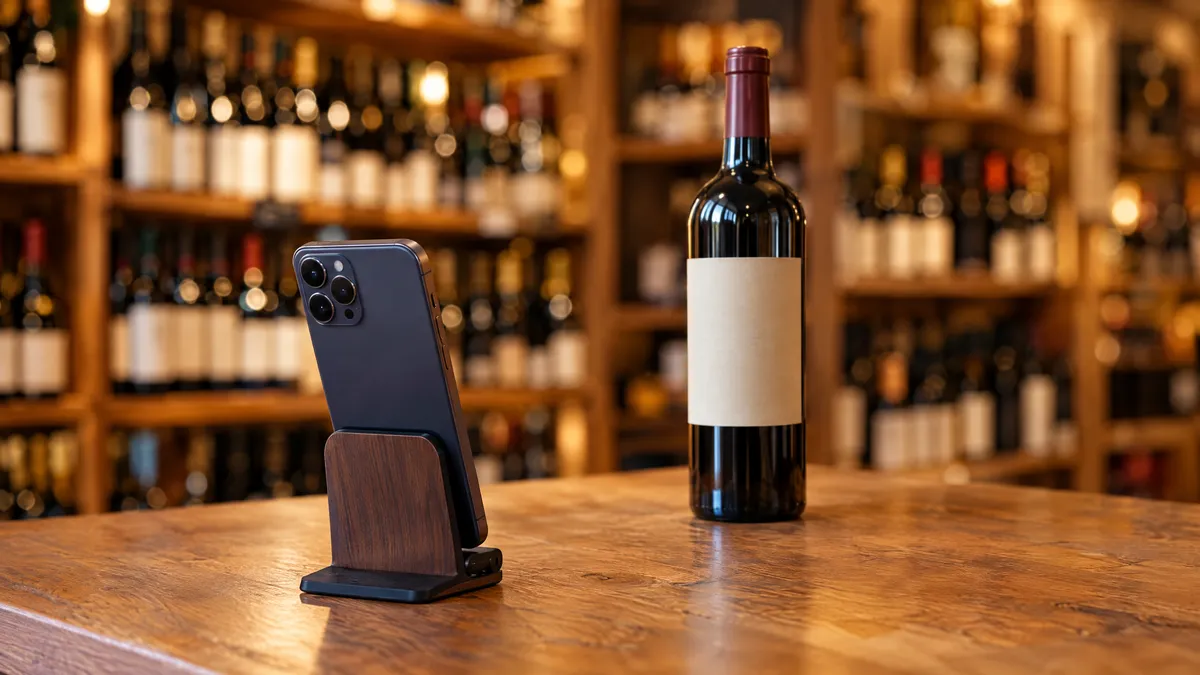
If the vintage on screen differs from the one on the label, trust the label: ratings for one year say little about another. The words a scan skips, such as the appellation and the alcohol level, are covered in how to read a wine label.
Pocket Sommelier scans bottles too, though its main job is pairing. If the scan finds nothing, ask the staff: the wine shop guide lists the three facts to give them.
Which App Is Best for Tracking a Wine Cellar?
If you keep bottles for months, CellarTracker and VinoCell are built for that job: both record where each bottle sits. CellarTracker adds bottles by scan or barcode, stores tasting notes and ratings, and gives drinking window guidance (the span of years when a wine should taste its best).
CellarTracker is free to download, and its in-app tiers are priced by cellar size:
- Up to 100 bottles: $4.99
- Up to 500 bottles: $7.99
- Up to 1,000 bottles: $14.99
- More than 2,500 bottles: $44.99
The tiers at 250 and 2,500 bottles sit at $5.99 and $29.99. VinoCell is paid upfront, £9.99 on the UK App Store, and draws on a database of more than 175,000 wines. It also stores cellar layouts, so a bottle's place on screen can match its slot on the rack.
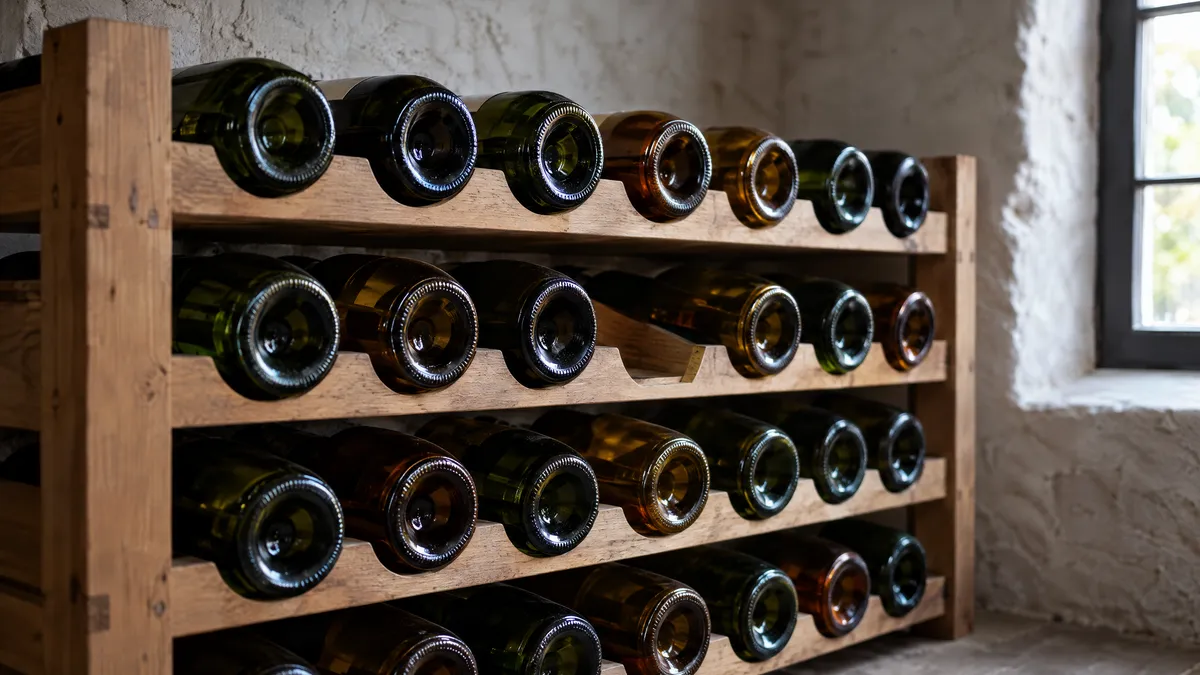
If the collection is under a dozen bottles, a notebook does the job. If it is bigger, or split between two places, pick a cellar app, and count the bottles before choosing a CellarTracker tier. The seven fields worth recording are listed in the wine inventory guide.
Which App Is Best for Tasting Notes?
Any of the scanner or cellar apps will store a note, but only a fixed format makes notes you can compare a year later. Vivino keeps a journal of the wines you scanned, and both cellar apps attach notes to stored bottles.
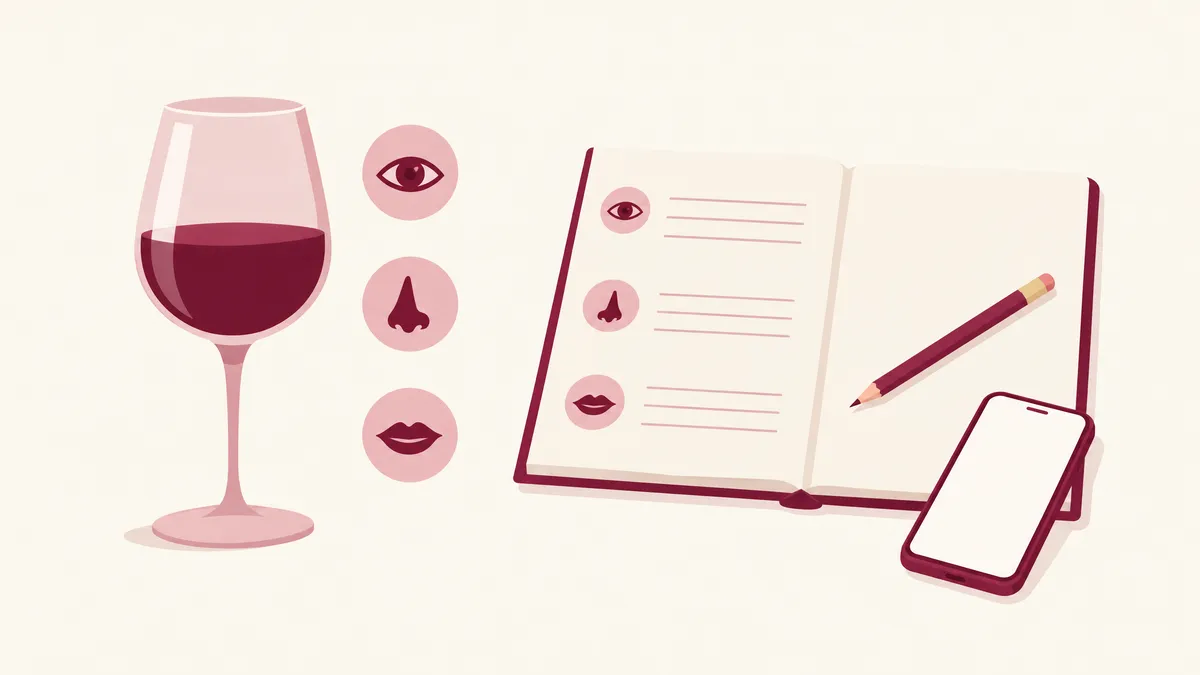
If the goal is to remember a bottle and buy it again, a scanner's journal is enough. If the goal is to taste better, use the same fields every time: colour, smell, then acidity (the tartness that makes your mouth water) and body scored from 1 to 5. Sommy's guided tasting walks through look, smell and taste for a photographed bottle and saves the note in a journal. The tasting notes template gives the same fields on paper, and our tasting journal tips cover tags and a monthly review.
Where Do Wine Learning Apps Fit?
Learning apps are their own category, compared one by one in our guide to wine learning apps, with quiz apps, exam flashcards and video courses. If you are a beginner, choose one with a course path and a tasting exercise for any open bottle, and if you need a certificate, pick from the online wine courses for beginners instead.
Sommy, the App We Build
Sommy is a wine learning app for iPhone, the app we build. Pick a goal (enjoy wine more, order with confidence, or pass a level 1 or level 2 wine exam) and Sommy lays its courses out as one path for it. Lessons are short and built on picture questions and quizzes, across more than 20 courses: Wine 101, regions from France to South Africa, sparkling, food pairing, blind tasting and fine wine. Guided tasting turns a label photo into a saved journal note.
Sommy suits someone who wants a plan and practice with real glasses. For scanning a shelf or counting a cellar, pick an app from the rows above. Sommy is Free to start on iPhone.
Can an App Suggest Wine for Your Dinner?
Yes: Pocket Sommelier suggests wine from a photo of your meal, and it can scan a menu or a restaurant wine list. It is free to download, with Premium listed from $3.99 up to $99.99 for lifetime access.
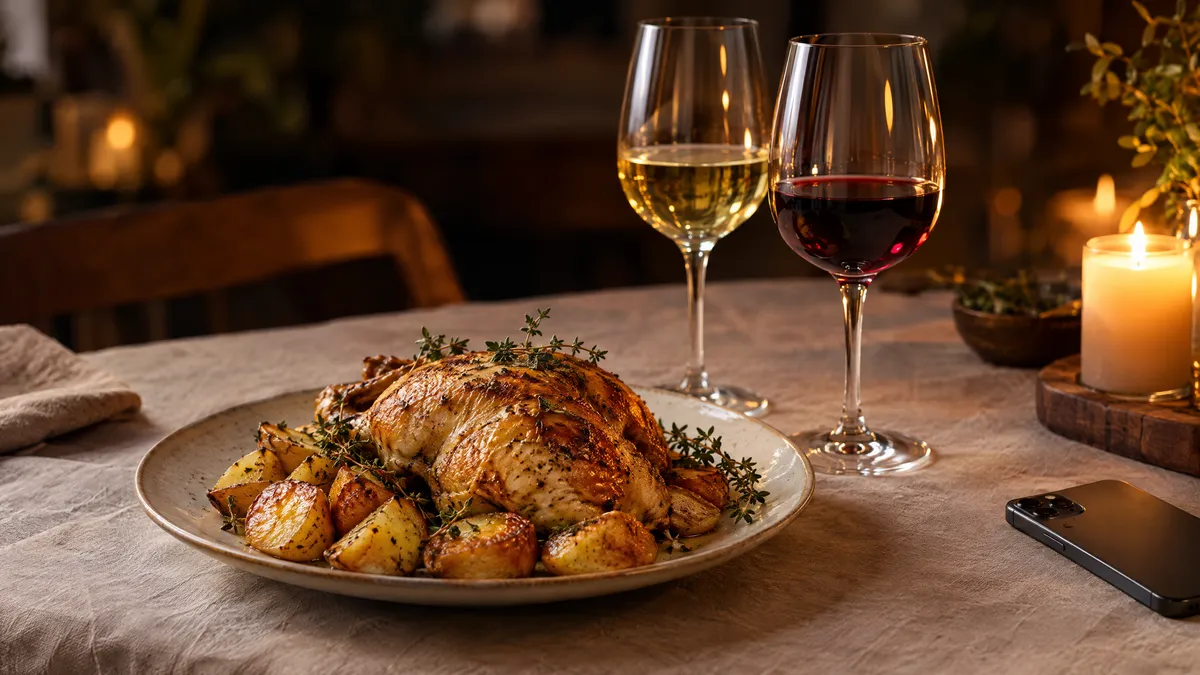
If the app gives a pick without a reason, check it against the plate: fat wants tannin or acid, chilli wants low alcohol, a sweet sauce wants a wine at least as sweet. The wine and food pairing guide sets out those rules dish by dish.
Are Wine Apps Really Free?
Most are free to download and sell upgrades inside the app. Vivino, CellarTracker and Pocket Sommelier are listed as free with in-app purchases (paid upgrades bought inside the app). Vivino's Premium options were listed from $4.99 to $57.00 on the US store. VinoCell takes the other route, a single price before you download.
If an app is paid upfront, read its screenshots and recent reviews first, because there is no free tier to test. If it is free with in-app purchases, use the free version for a week before paying.
How Far Can You Trust App Ratings and Scans?
Treat a scanner's score as a crowd's average. Vivino says so itself: a scan does not give you a score from a critic, but ratings from other drinkers. A high community rating (the average of many users' scores) shows that many people liked a wine. It cannot tell you whether you will.
A scan can also misread a label, so check the name and vintage on screen against the bottle. How wine ratings work explains what critic and crowd scores each measure. More buying tools are in the beginners and buying hub.
Pour a glass from the bottle already open tonight, then install the one app for the job you need and try it on that bottle.
Sources
- Vivino: App Store listing (US), read 10 November 2026
- Vivino: About
- CellarTracker: App Store listing (US), read 10 November 2026
- CellarTracker: Google Play listing, read 10 November 2026
- VinoCell: App Store listing (UK), read 10 November 2026
- Pocket Sommelier: App Store listing (US), read 10 November 2026
Frequently Asked Questions
What is the best app to identify a wine from a photo of the label?
Vivino is the most direct choice. Point the camera at the label and it returns the wine with ratings from other drinkers, and you can save it to a journal or buy it from partner merchants. Pocket Sommelier also scans bottles. Always check the vintage on screen against the label, because a scan can pick the wrong year.
Is Vivino free?
Vivino is listed as free on the US App Store, with in-app purchases. On 10 November 2026 its Premium options were listed from $4.99 to $57.00. Store prices change and differ by country, so check the listing in your own store before you pay for anything.
What is the best app to track a wine cellar?
For a growing collection, a dedicated cellar app such as CellarTracker or VinoCell. CellarTracker is free to download and sells tiers by cellar size, from $4.99 for up to 100 bottles on the US App Store. VinoCell was listed at £9.99 upfront on the UK App Store. Under a dozen bottles, a notebook does the same job.
Is there an app that suggests wine for a dish?
Yes. Pocket Sommelier suggests a wine from a photo of your meal, and it can also scan a menu or a wine list. It is free to download with in-app purchases, listed from $3.99 to $99.99 for lifetime access on 10 November 2026. Check each suggestion against the fat, acid and spice on your plate.
Are wine ratings in apps from critics or from users?
In Vivino, from users. Vivino states that a scan does not give you a score from a critic: the number is built from ratings by other drinkers. A crowd average tells you how many people liked a wine, not whether it suits your taste. Read a few written reviews to learn why they liked it.
Which wine apps work on Android?
Of the apps compared here, Vivino and CellarTracker are both listed on Google Play. The VinoCell and Pocket Sommelier listings checked on 10 November 2026 named iPhone and iPad, and Sommy is on iPhone. Before you pick an app for an Android phone, check that the app's own site or Google Play lists it.
Sommy Team
LinkedInFounder & Wine Educator
The Sommy Team is building the world's most approachable wine education app, helping beginners develop real tasting skills through structured courses and AI-guided practice.