How to Host a Virtual Wine Tasting That Actually Works

By the Sommy Team — AI-assisted, human-edited.
Updated Apr 29, 2026
Contents (13)
- TLDR
- What Makes a Virtual Wine Tasting Actually Work, in 100 Words
- Why Virtual Wine Tastings Are Their Own Format
- The 5-Step Planning Protocol
- The Host Playbook
- Common Failure Modes
- Wine Club versus One-Off Party
- Hybrid In-Person and Remote Tastings
- Tools and Setup Specifics
- Skills That Transfer to Virtual Tastings
- Make the Notes Travel With the Tasting
- The Bottom Line
- FAQ
TL;DR
A working virtual wine tasting needs aligned bottles, a 60-90 minute schedule, clean audio, and a host who guides instead of lectures. Limit groups to six to eight for participation, ship wines five to seven days early, share a tasting note template in advance, and pause for everyone to actually taste before discussion.
TLDR
A working virtual wine tasting needs aligned bottles, a 60-90 minute schedule, clean audio, and a host who guides instead of lectures. Limit groups to six to eight for participation, ship wines five to seven days early, share a tasting note template in advance, and pause for everyone to actually taste before discussion.
What Makes a Virtual Wine Tasting Actually Work, in 100 Words
A great virtual wine tasting needs four things: aligned bottles (everyone pours the same wines, shipped ahead or sourced from a defined list), a structured 60-90 minute schedule with an intro, a guided flight, discussion, and Q&A, clean audio (a lapel or USB mic, kitchen background killed), and a host who guides rather than lectures. Cap at six to eight guests for participation, twelve to fifteen for lecture-style. Use Zoom or Google Meet's gallery view, share a tasting note template in advance, include a non-drinker option, ship five to seven days ahead for proper temperature, and pause for everyone to taste before discussion.
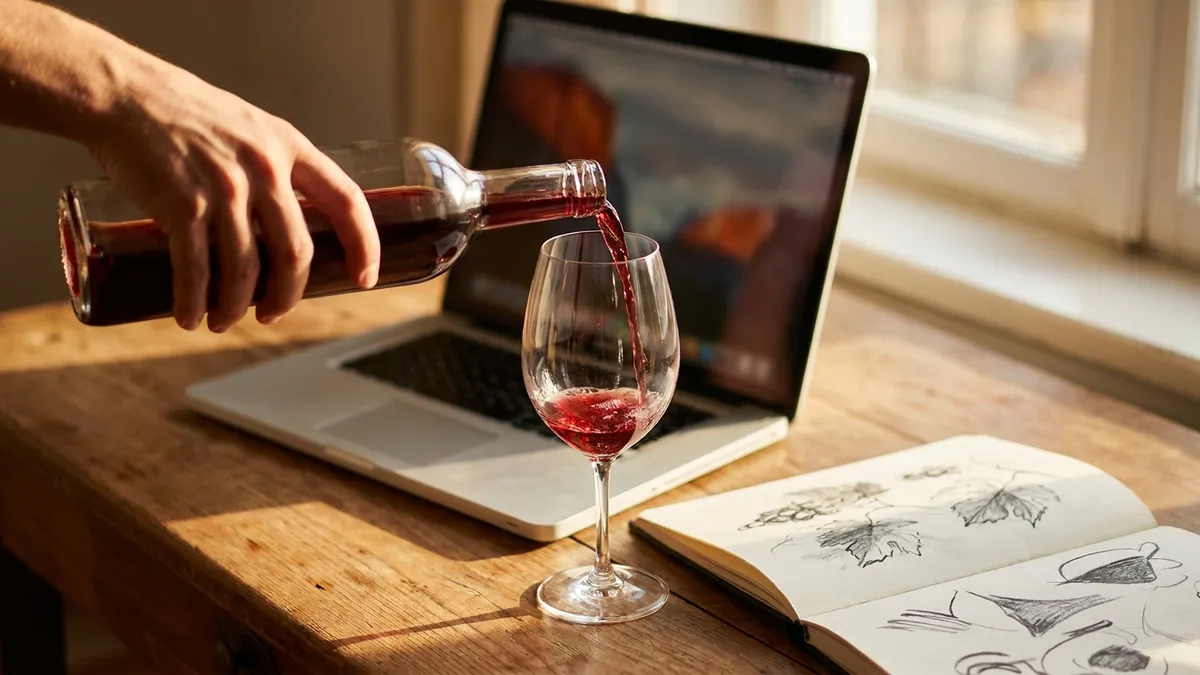
Why Virtual Wine Tastings Are Their Own Format
A virtual tasting is not an in-person tasting on a screen. The constraints are different — guests sit in their own kitchens, the host cannot pour, no one can smell anyone else's glass, and audio quality replaces eye contact as the connective tissue.
Done well, virtual tastings have real advantages. Friends in three cities can taste the same wines together. A wine club spread across countries can run a quarterly flight. A team-building event reaches everyone working from home. Cost per guest is lower than a hosted in-person tasting.
Done badly, they collapse into background noise — host talking for forty-five minutes while guests check email, half the room with wines that arrived late, audio echoing, energy flat. The fix is structural, not personal: the format has to be designed for the medium.
The 5-Step Planning Protocol
A reliable virtual wine tasting comes from five planning steps, in order. Skip any one and the evening wobbles.
Step 1 — Pick a tight theme and the bottles
Same as in-person tastings, the theme is the editing principle. Hold one variable constant and change another so the comparison teaches itself. The most popular formats for virtual tastings:
- Same grape, different regions (four Pinot Noirs from Burgundy, Oregon, California, New Zealand)
- Old World versus New World (two-versus-two, same grape across all four)
- A regional flight (four wines from one country)
- A method-driven sparkling flight (Champagne, Prosecco, Cava, English sparkling)
Pick three or four wines, never six. On a screen, palate fatigue arrives faster than at a dining table because guests are usually sitting upright in front of a laptop instead of relaxing. For more theme ideas, our wine tasting themes ideas catalog has twenty formats with bottle counts and learning goals.
Step 2 — Decide on shipping versus sourcing
Two approaches, both valid:
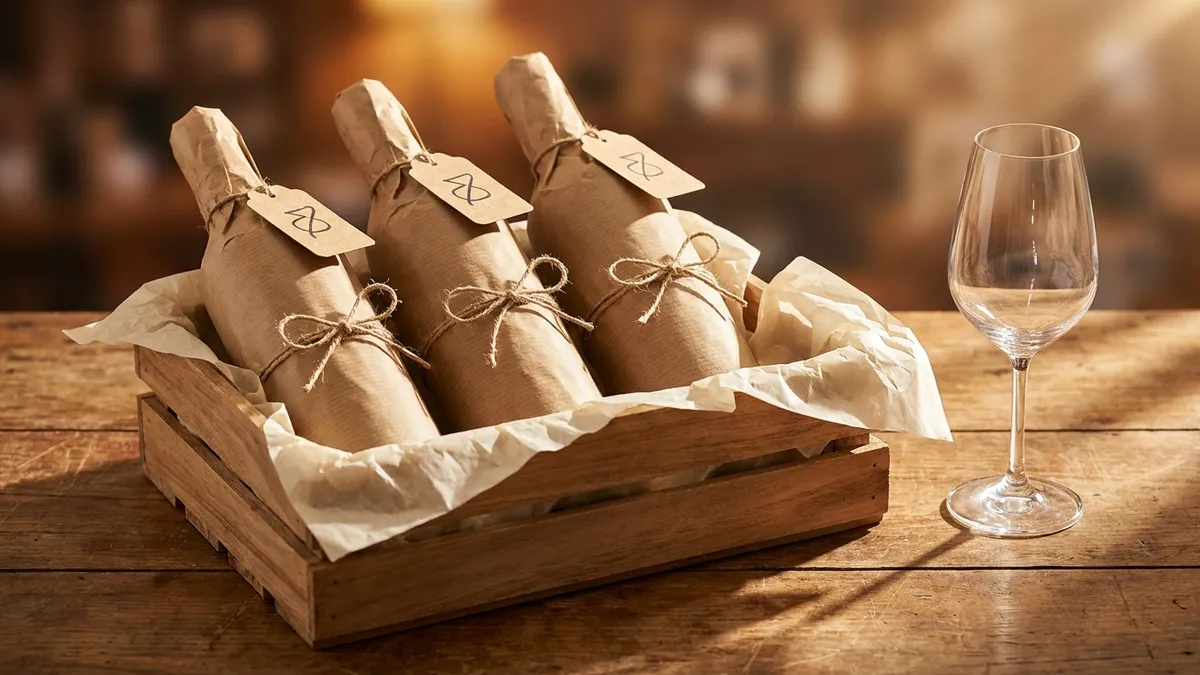
- Ship a kit. Curate the bottles, ship five to seven days ahead, include a one-page tasting card and a chill-and-decant schedule. Best for paid events, gifts, and corporate bookings. Higher upfront cost, much higher production value.
- Source locally. Send a defined list (grape, region, vintage, price band) two to three weeks ahead and let guests source from their nearest shop. Best for friend groups in different cities. Zero shipping logistics, lower bottle alignment.
If sourcing locally, give guests a primary pick and a fallback. "Marlborough Sauvignon Blanc, vintage 2023 if available, otherwise 2022." Without a fallback, half the group calls the day of the tasting in a panic.
Step 3 — Send a tasting note template ahead
A printed or PDF tasting card roughly doubles engagement. Without one, beginners default to "I like this one" and the discussion runs out of steam after wine two. With one, guests notice color, aroma, structure, and finish.
A useful card has space for wine name, color, three aromas, sweetness/acidity/tannin/body/alcohol on a 1-to-5 scale, a one-line impression, and a final ranking. Our wine tasting notes template has a five-section format that compresses cleanly to one page. Send it as a PDF two days before the tasting.
Step 4 — Run a tech check before guests arrive
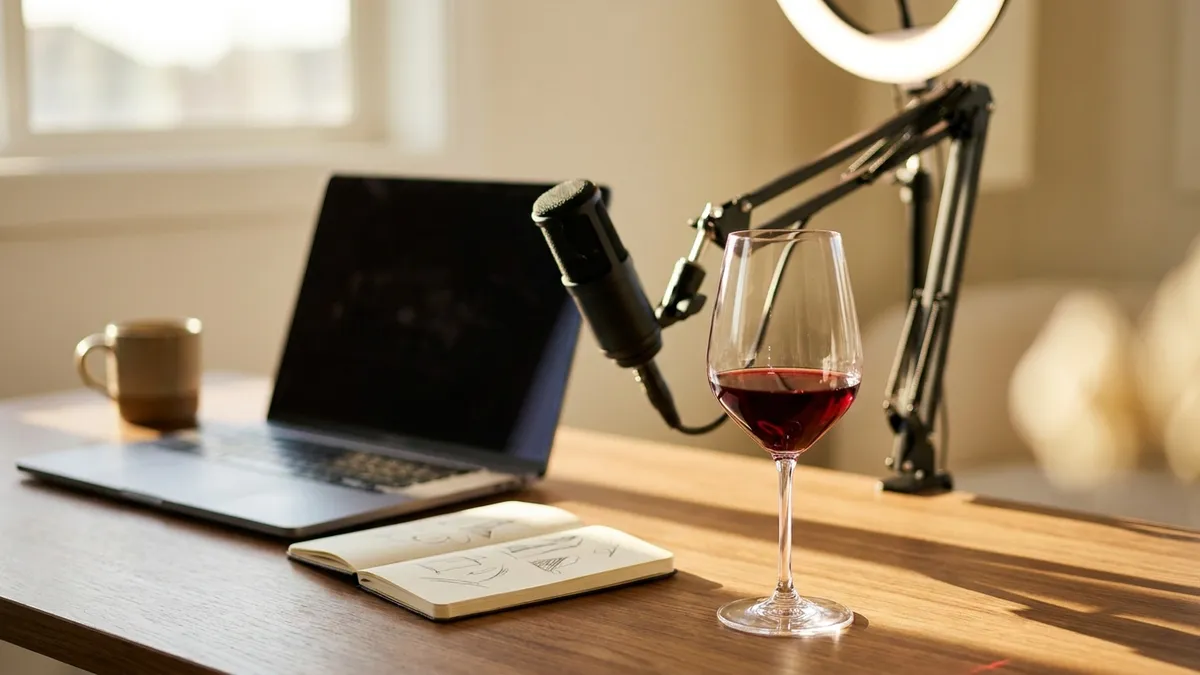
The most common virtual-tasting failure is technical, not vinous. Bad audio kills a tasting in five minutes. The fixes are cheap and one-time:
- Microphone: a lapel or USB condenser mic. Twenty to forty dollars. Removes echo and kitchen background.
- Camera: laptop webcam is fine. Position eye-level, not pointing up at the ceiling.
- Lighting: a single lamp in front of you, not behind. Backlit hosts look like silhouettes.
- Background: kitchen behind, ideally with bottles visible. Avoid blurred backgrounds — they crop the glass when you swirl.
- Bandwidth: hardwire the laptop or sit close to the router. Upload speed matters more than download.
Run a fifteen-minute test call with one friend the day before. Test screen share, gallery view, and audio. Pour a glass and swirl on camera. Issues you find this way are five-minute fixes; the same issues live during the actual tasting are unfixable.
Step 5 — Build the schedule
A 60-to-90-minute virtual tasting with three or four wines has a predictable rhythm:
- 0:00 — guests arrive, welcome, theme introduction (10 minutes)
- 0:10 — wine 1: pour, smell, taste, discuss (12-15 minutes)
- 0:25 — wine 2: pour, smell, taste, discuss (12-15 minutes)
- 0:40 — wine 3: pour, smell, taste, discuss (12-15 minutes)
- 0:55 — wine 4 (if four-wine flight) (12-15 minutes)
- 1:10 — open discussion, ranking, Q&A (15 minutes)
- 1:25 — wrap, what to taste next, sign-off
Build slack into the schedule. People will arrive late. Bottles will be opened on camera. Someone's video will freeze. A 90-minute plan that runs to 100 minutes is fine; one that runs to 120 minutes loses the room.
The Host Playbook
The single biggest variable in a virtual tasting is the host. The format is the structure; the host is the energy.
Guide, do not lecture
The instinct of new hosts is to talk through a slide deck while everyone holds their glass. That format kills participation by minute fifteen. Better:
- Pour first, talk second. After everyone has the wine in the glass, take thirty seconds for sight, then thirty seconds for nose, then everyone tastes. Discuss after.
- Ask, do not tell. "What do you smell?" beats "This wine has notes of black cherry."
- Call on guests by name. On a video grid, silence is the default; a direct question is the antidote.
- Acknowledge differences. If two guests get different aromas from the same wine, that is the lesson, not a problem.
Read the gallery view
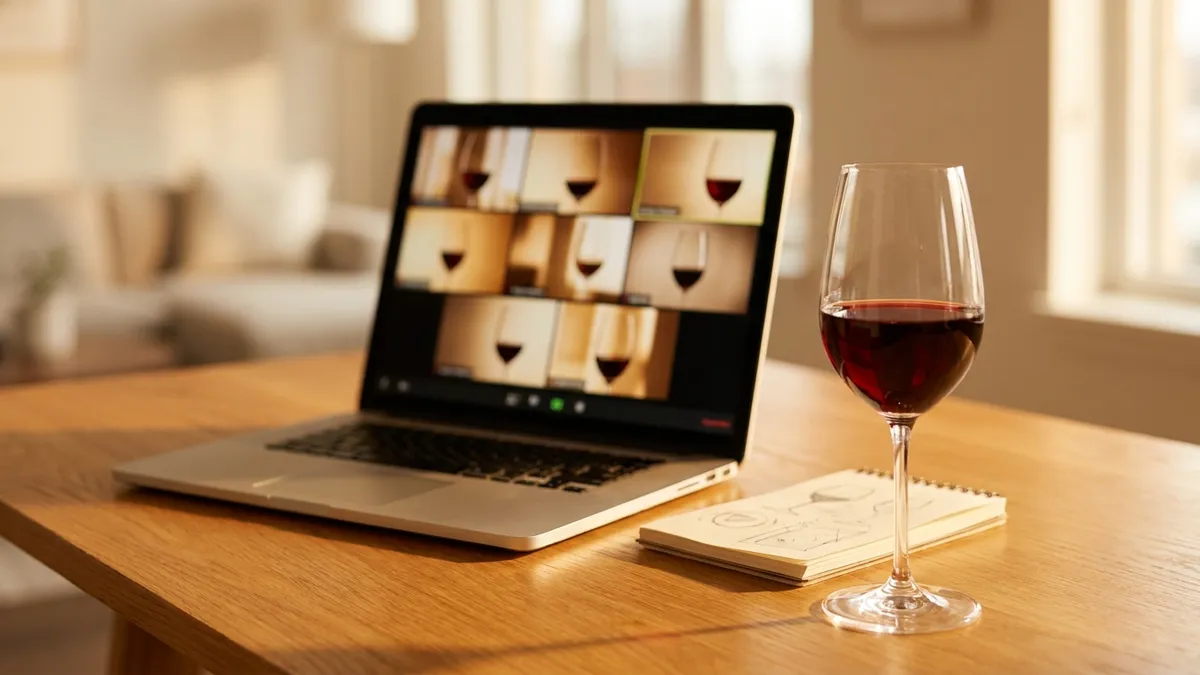
Zoom and Google Meet's gallery view is the host's command center. Watch faces, not the slide. If three guests are looking at their phones, the discussion has lost them — change the energy with a question or move to the next wine. If everyone is leaning forward, you have time to expand. The gallery view is the analog of reading a room.
Manage the dominator personality
Every group has one guest who talks more than the others. In person they are easy to balance; on a screen, they monopolize the audio channel. The fix is structural, not confrontational — call on quieter guests by name, give every guest a designated thirty-second turn at each wine, and use the chat for parallel input. "I want to hear from everyone on this one. Sara, you go first."
Common Failure Modes
Most failed virtual tastings fail in the same handful of ways. Spotting them in advance prevents most of them.
- Bad audio. The default. A laptop mic in a kitchen produces echo, clinking, and oven beeps. A twenty-dollar lapel mic fixes 90 percent of it.
- Late shipping. Guests get the box on the morning of the tasting and have no time to chill whites or rest reds. Ship five to seven days ahead, every time.
- Wrong temperatures. Whites taste bland from a cold-cold fridge. Reds taste flabby at warm room temperature. Send a chill-and-decant schedule with the kit. Our wine serving temperature chart covers the targets.
- Off-format glasses. Tumblers, juice glasses, and shot glasses ruin aroma release. Ask guests to use a stemmed tulip — any universal stemmed glass works. Identical across guests is the goal, but realistic on a remote tasting is "stemmed tulip-ish."
- Dominator personality. Addressed above. Structure prevents it.
- No clear ending. Calls that run until the energy dies are demoralizing. A scheduled wrap, a final ranking question, and a clean sign-off keeps the closing memorable.
- Background noise. Kids, dogs, doorbells. Ask guests to mute by default and unmute to speak. The host stays unmuted for energy and continuity.
Wine Club versus One-Off Party
The format adapts to the occasion.
A wine club runs the same format every month or quarter. Guests get used to the rhythm, the host can lean on consistency, and the bottle alignment becomes easier as the group develops a shared vocabulary. The investment is in the recurring relationship — a regular shipping vendor, a reusable tasting card, a small private chat for between-meeting questions.
A one-off party — a birthday, a corporate event, a friend gathering — needs more handholding. Guests are tasting cold. The host has to set the format clearly in the first five minutes, and the schedule needs more buffer for setup. Pick a high-contrast theme (same grape, two regions; old world versus new world) so the lessons land for first-time tasters in 60 minutes.
Hybrid In-Person and Remote Tastings
Hybrid is the hardest format to get right. Some guests are at the host's table; others are on screen. The default failure is treating the in-person table as the main event and the laptop as a webcam pointed at it.
The fix is to design for the remote audience and let the in-person guests adapt:
- Place the laptop at eye level so remote guests see the table at human angle, not from below
- Use one external microphone for the room — never the laptop's built-in mic, which collects everyone's clinks and chair scrapes equally
- Pause every taste at the in-person table so remote guests are pouring and sniffing on the same beat
- Address remote guests by name first at every wine. "Marco, you go first on this one — what are you getting?"
Run a hybrid only if you have to. A pure remote tasting is more equitable and easier to host well; a pure in-person tasting is warmer and more memorable. Hybrid is the compromise that costs both.
Tools and Setup Specifics
Video platform
Zoom, Google Meet, and Microsoft Teams all work. Zoom has the most stable gallery view; Google Meet integrates cleanly with calendar invites; Teams suits corporate events. Pick the one your guests already use rather than asking them to install something new.
Shared tasting spreadsheet
A shared Google Sheet with rows per wine and columns per guest is a small ritual that pays off. Guests fill in impressions live, the host sees who is engaged, and the sheet becomes a record that survives the call. Send the link in the calendar invite.
Polls and score reveals
Zoom's poll feature works for blind guess-the-region rounds. The host pours, guests guess, the poll reveals the answer. For a four-wine ranking at the end, ask guests to rank in chat (1-2-3-4) and reveal the group's average — a quick visual closer.
A non-drinker option
Always include one. Dealcoholized wines, premium grape juice, kombucha, or a quality non-alcoholic sparkling all participate in the swirl-smell-taste format. Send the option with the kit so the non-drinker is included rather than watching others sip.
Sommelier note: the best virtual tasting feels like a conversation with friends who happen to be drinking the same thing. The structure is invisible. The host is calm. The wines do the work.
Skills That Transfer to Virtual Tastings
A few skills worth practicing before hosting:
- How to swirl wine — visible on camera, signals confidence to guests
- How to smell wine — the most underused step in remote tastings
- How to describe wine — gives guests vocabulary to match what they smell
- Common wine tasting mistakes — fix them in your own glass before guiding others
- Blind wine tasting tips — the deductive frame for blind rounds
The Sommy app's structured tasting flow walks through each of these as a daily practice. Hosts who run a few sessions in the app before a virtual tasting come in with sharper instincts and better questions.
Make the Notes Travel With the Tasting
The hardest part of a virtual tasting is what happens after the call ends. Notes scattered across phones, paper, and a Google Sheet vanish within a week. A month later, no one remembers which wine they ranked first.
The Sommy app's tasting journal logs each wine from a flight with grape, region, vintage, color, aroma, palate, and rank fields, all on a phone. Run a four-bottle virtual tasting and the entries are searchable on Tuesday — comparable to last quarter's flight, ready for the next time someone asks "what was that great Pinot from the spring tasting?" The notes outlast the call.
For more on the language of tasting notes, see our wine tasting vocabulary cheat sheet and primary, secondary, tertiary aromas explainer.
The Bottom Line
A working virtual wine tasting is aligned bottles, a 60-to-90-minute schedule, clean audio, and a host who guides rather than lectures. Three to four wines, six to eight engaged guests, a printed tasting card sent ahead, and a clean wrap. The medium is different from in-person; the principles are the same. Hold one variable constant, change one other, give every guest something to pour and notice, and the wines will teach the rest.
FAQ
How long should a virtual wine tasting last?
Sixty to ninety minutes for the tasting itself. Anything longer drags on a screen — Zoom fatigue is real, and palate fatigue compounds it. A clean format is fifteen minutes for welcome and theme, ten to fifteen minutes per wine across three or four wines, then a fifteen-minute open discussion or Q&A. Cap at ninety minutes and end on a high note.
How many people can join a virtual wine tasting?
Six to eight for a participation-style tasting where everyone speaks and shares notes. Twelve to fifteen works for lecture-style with a host leading and guests muting between turns. Beyond fifteen, the format becomes a webinar — fine for events, less effective for actual tasting. The right number depends on whether you want a class or a conversation.
How do I make sure everyone has the same wines?
Two paths. Ship a curated three or four-bottle pack five to seven days ahead so everyone has identical wines. Or pick a defined list and ask each guest to source the wines locally. Aligned bottles are non-negotiable. Without them, half the tasting becomes "mine tastes different," which kills the comparison.
What technology do I need to host a virtual wine tasting?
A stable internet connection, a laptop with a working camera, a basic external lapel or USB microphone, and a video call platform with gallery view. Zoom, Google Meet, or Microsoft Teams all work. Built-in laptop microphones pick up clinking glasses and kitchen noise — a twenty-dollar lapel mic raises perceived production quality more than any other single upgrade.
How far in advance should I ship the wines?
Five to seven days before the tasting. That gives time for delivery delays, lets guests chill whites overnight, and avoids the day-of panic when a package is sitting in a sorting facility. Include a one-page tasting card and a chilling and decanting schedule with the shipment so guests arrive ready instead of scrambling at pour time.
What should I do about guests who do not drink alcohol?
Offer a non-alcoholic option that participates in the format. Dealcoholized wines have improved enough to offer a real comparison, and unsweetened sparkling grape juice or quality kombucha gives a non-drinker a glass to swirl, smell, and discuss. Send the alternative ahead with the kit so the guest is included rather than watching others taste.
Can a virtual wine tasting be hybrid with some guests in person?
Yes, but design for the remote audience. Place the laptop where remote guests can see the in-person table. Use one external microphone for the room rather than the laptop's built-in mic. Pause the in-person flow at every taste so remote guests are not catching up. Without those steps, hybrid tastings turn into a webcam pointed at a dinner party.
Frequently Asked Questions
How long should a virtual wine tasting last?
Sixty to ninety minutes for the tasting itself. Anything longer drags on a screen — Zoom fatigue is real, and palate fatigue compounds it. A clean format is fifteen minutes for welcome and theme, ten to fifteen minutes per wine across three or four wines, then a fifteen-minute open discussion or Q&A. Cap at ninety minutes and end on a high note rather than letting the call dissolve.
How many people can join a virtual wine tasting?
Six to eight for a participation-style tasting where everyone speaks and shares notes. Twelve to fifteen works for lecture-style with a host leading and guests muting between turns. Beyond fifteen, the format becomes a webinar — fine for events, less effective for actual tasting. The right number depends on whether you want a class or a conversation.
How do I make sure everyone has the same wines?
Two paths. Ship a curated three or four-bottle pack five to seven days ahead so everyone has identical wines. Or pick a defined list and ask each guest to source the wines locally — same grape, same region, same vintage where possible. Aligned bottles are non-negotiable. Without them, half the tasting becomes 'mine tastes different,' which kills the comparison.
What technology do I need to host a virtual wine tasting?
A stable internet connection, a laptop or desktop with a working camera, a basic external lapel or USB microphone, and a video call platform with gallery view — Zoom, Google Meet, or Microsoft Teams all work. Built-in laptop microphones pick up clinking glasses and kitchen noise. A twenty-dollar lapel mic raises perceived production quality more than any other single upgrade.
How far in advance should I ship the wines?
Five to seven days before the tasting. That gives time for delivery delays, lets guests chill whites overnight, and avoids the day-of panic when a package is sitting in a sorting facility. Include a small one-page tasting card and a recommended chilling and decanting schedule with the shipment so guests arrive ready instead of scrambling.
What should I do about guests who do not drink alcohol?
Offer a non-alcoholic option that participates in the format. Dealcoholized wines have improved enough to offer a real comparison, and unsweetened sparkling grape juice or a quality kombucha gives a non-drinker a glass to swirl, smell, and discuss. Send the alternative ahead with the kit so the guest is included rather than watching others taste.
Can a virtual wine tasting be hybrid with some guests in person?
Yes, but design for the remote audience. Place the laptop where remote guests can see the in-person table. Use one external microphone for the room rather than the laptop's built-in mic. Pause the in-person flow at every taste so remote guests are not catching up. Without those steps, hybrid tastings turn into a webcam pointed at a dinner party.
Sommy Team
LinkedInFounder & Wine Educator
The Sommy Team is building the world's most approachable wine education app, helping beginners develop real tasting skills through structured courses and AI-guided practice.